CCE - Learning Sessions
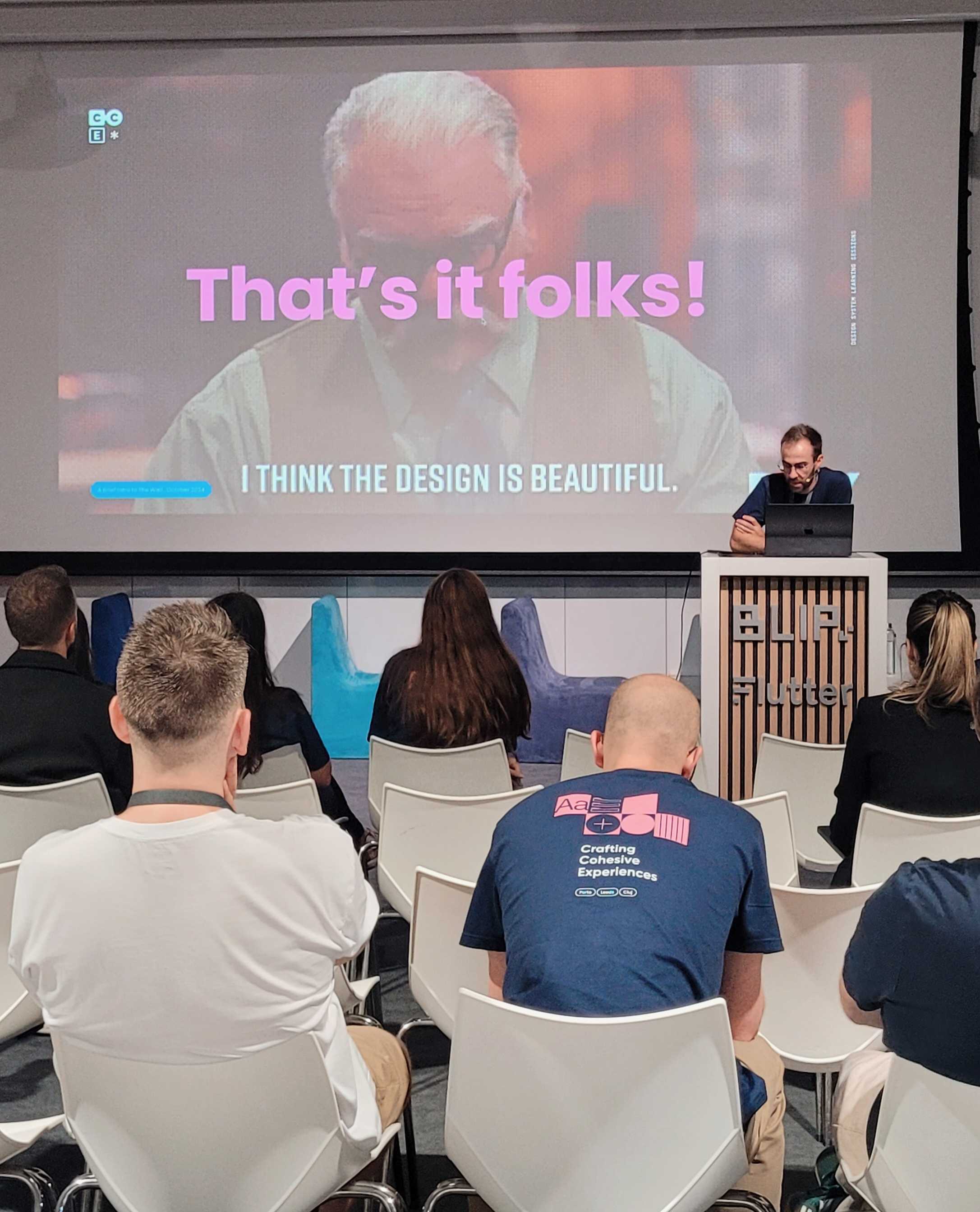
The Design System team held some inspiring learning sessions aimed at addressing the main questions that design and development teams had about this essential product. The initiative was carefully planned to cover topics such as what a Design System is, how to contribute to it, and, most importantly, how to use it effectively in daily work.
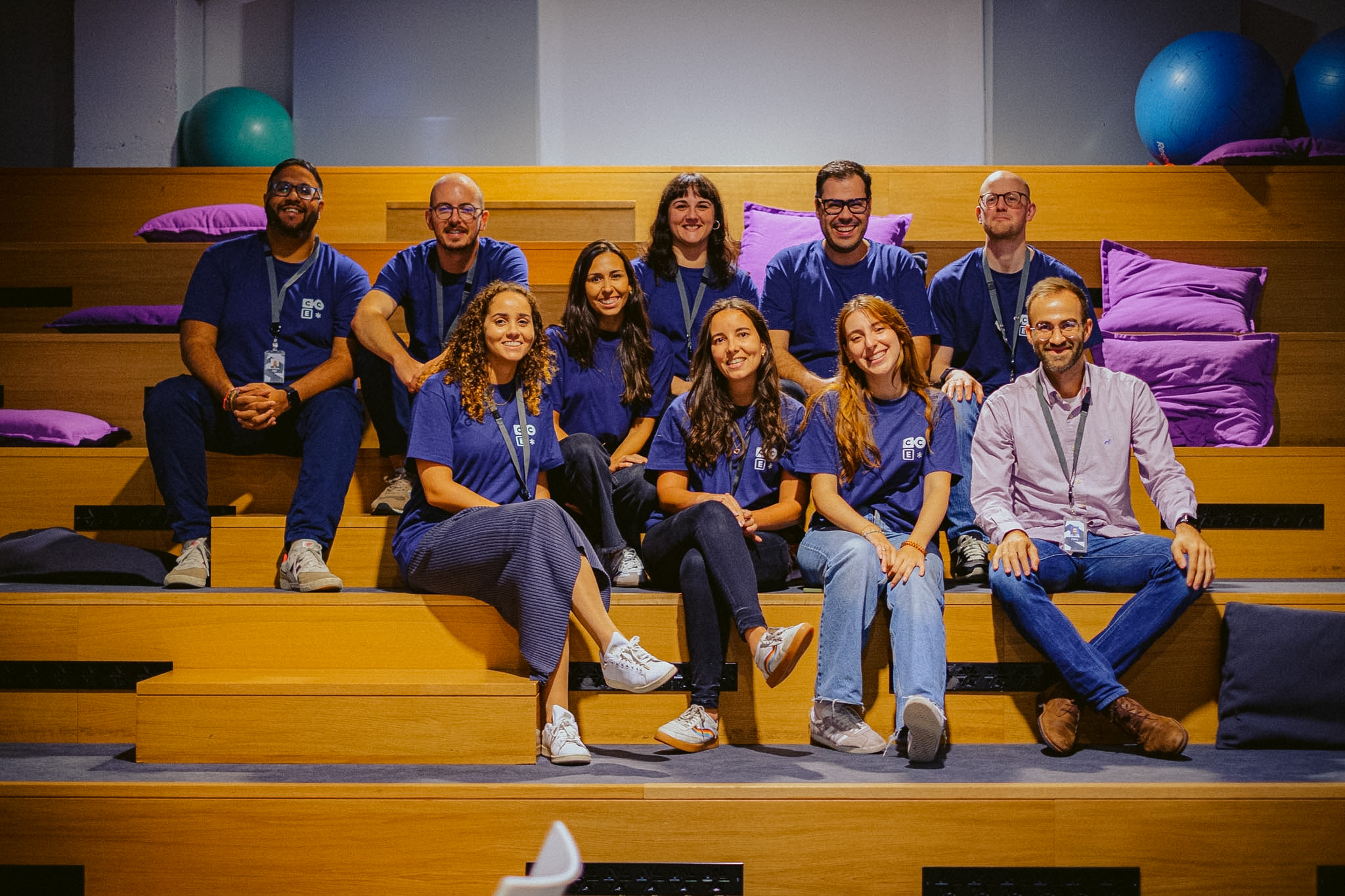
To ensure that everyone interested had the opportunity to participate and learn, we organized in-person sessions over two days in three different locations. This decentralized approach aimed to bring teams closer together and provide an inclusive space for knowledge sharing and idea exchange.
The conference was not only an opportunity to provide clarification but also to strengthen collaboration among teams. Participants were able to ask questions in real time, explore use cases, and exchange ideas about future improvements. Through interactive activities and open discussions, we fostered a spirit of community and alignment.
What is a design system? 
If you want to learn more about what a Design System is, how the Design System is structured for the Betfair, Sky Bet, and Paddy Power brands, and what we have planned for the future, check out this video. It’s a comprehensive guide that dives into the core principles, showcases how we ensure consistency across multiple brands, and highlights our vision for the future.
Components, Snowflakes & Recipes 
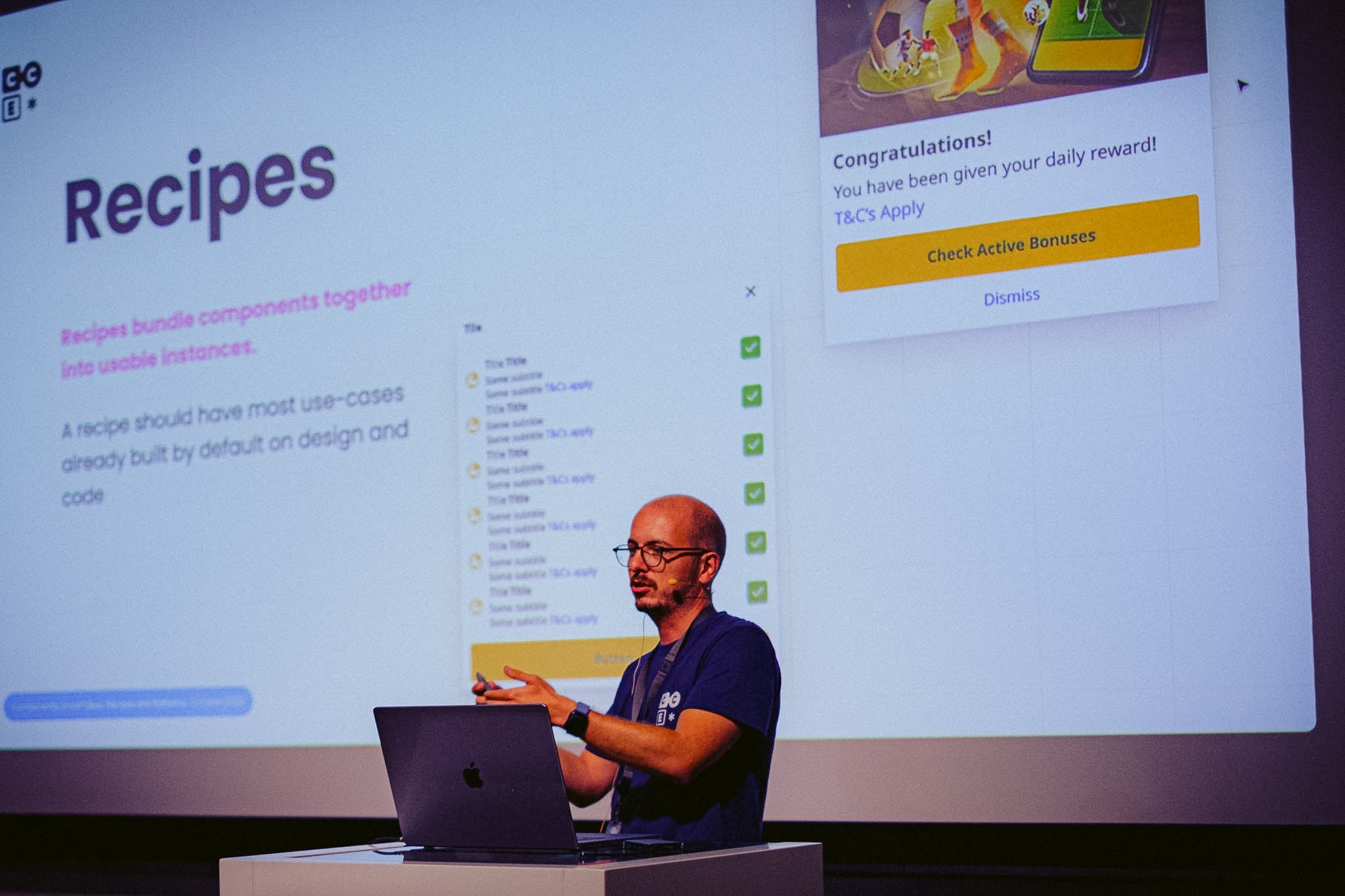
If you want to learn more about what a component or a recipe is, or if you’ve heard the term "snowflakes" but have no idea what it means, this video is for you! It breaks down these concepts in an easy-to-understand way and helps you see how they fit into our design and development processes. Watch it to get up to speed!
How To Use A Design System Effectively
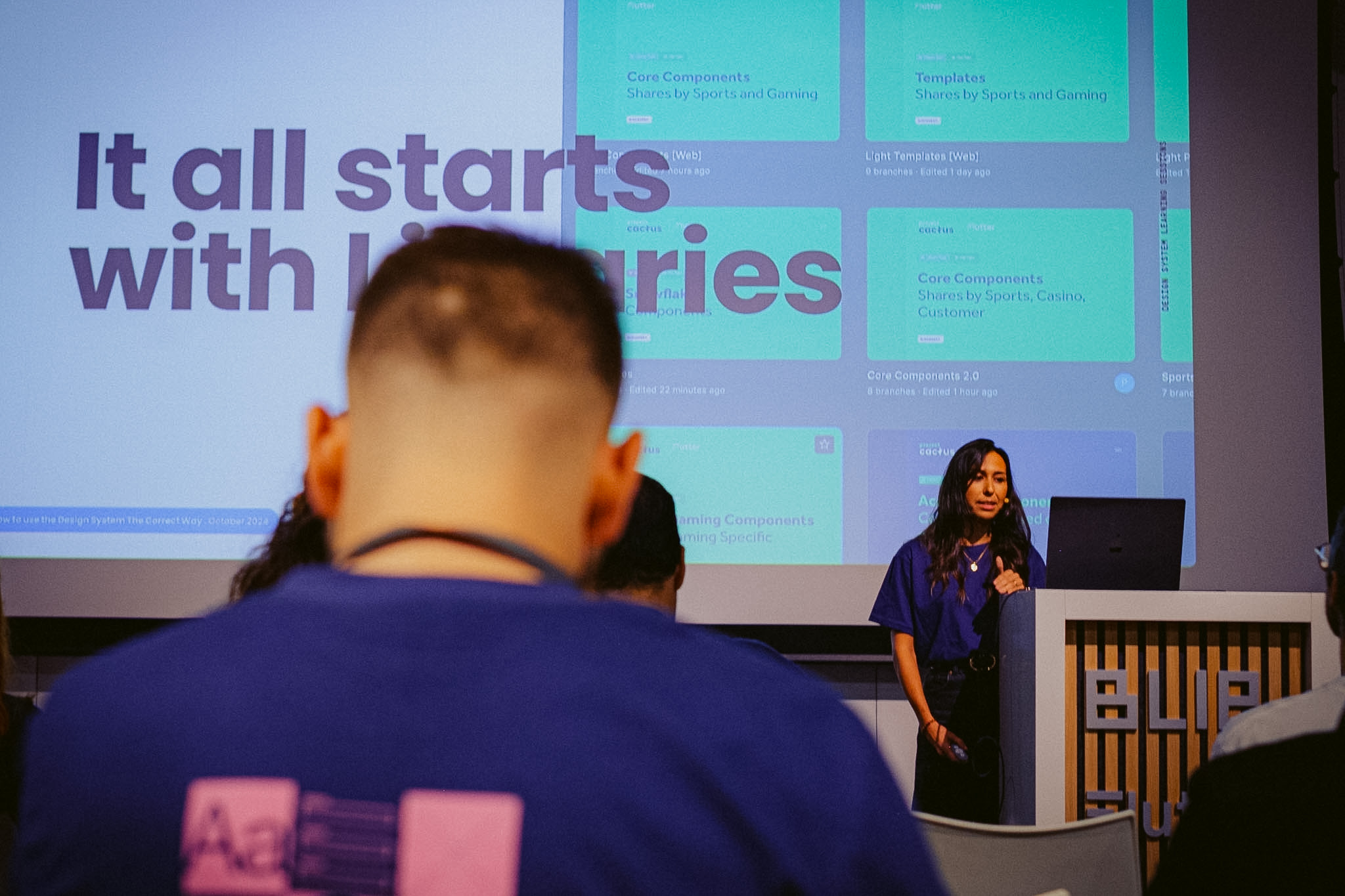
If you want to learn more about how to use the Design System, which libraries to use, how to contribute, and the process for collaborating with design, this video has you covered! It provides a detailed walkthrough of the tools, workflows, and best practices to help you make the most out of the Design System.
What Is A Multi Brand Design System?
If you want to learn more about what a multi-brand Design System is, how icons work across different brands, and our vision for the future of the Design System. It explores the unique challenges and solutions behind managing a Design System for multiple brands, explains the role of icons in ensuring consistency, and shares our exciting plans for the future.
What Product Owners Need to Know about DS 
Whether you’re a seasoned Product Owner or new to the field, this session provides actionable insights to help you leverage design systems for maximum impact. If you’re particularly interested in the unique role Channels POs play, this video is tailored for you.
A Brief Intro To The Wall 
If you're looking for an introduction to The Wall Design System, this video is the perfect starting point! It covers everything you need to know, including where to find documentation, how we approach accessibility, and an overview of the monorepo structure. Whether you're new to the system or just looking to dive deeper, this video will guide you through the essentials and help you navigate the resources effectively.
Create My First Component Part 1
If you're interested in creating your first component, setting up your environment and learning about tokenization. It walks you through the step-by-step process of building a component from scratch, setting up your development environment, and understanding the importance of tokenization in maintaining design consistency. You'll also learn why and how to implement tokenization effectively in your projects and how the find tokens inside figma.
Create My First Component Part 2
If you're looking to understand how and where to open a pull request, which workflow to follow, and how to handle pre-releases and releases. It provides a clear, step-by-step guide on how to open a pull request, what workflow to run during the process, and the best practices for creating pre-releases and managing final releases. linked to your file.
A Brief Intro to Abacus
In this session, we introduced the Abacus Design System, covering its core principles and how it helps maintain consistency across projects. We also explored how we use GitHub to manage the system effectively, along with an overview of the supported token types that power its flexibility and scalability.
Abacus Integration in Gaming Projects
In this session, we explored the tools used to work with our design system, how to deal with design updates and manage versions, and discussed how we manage versions effectively. We also covered using Abacus in gaming products, applying tokens to GFE components, and highlighted key challenges and pitfalls to avoid.
By the end of the sessions, the positive impact of this initiative was evident. Many questions were answered, and new insights emerged, reinforcing the importance of initiatives like this for the success of collaborative projects. As next steps, the Design System team plans to consolidate the contributions received and continue promoting more educational and inclusive events.
The conference was a significant milestone in spreading knowledge and fostering a more collaborative culture around the Design System. We are excited about what lies ahead and confident that, together, we can achieve even more!